
All SFTP
This guide will help you navigate the Acefone portal to view all SFTP configurations available in your account
Navigating to SFTP Configuration
Follow these steps to view the list of SFTP configurations:
- Log into your Acefone account.
- Navigate to Settings:
- On the left sidebar, click Manage Settings.
- Expand the Manage SFTP section.
- Click on All SFTP to view all configured SFTP servers.
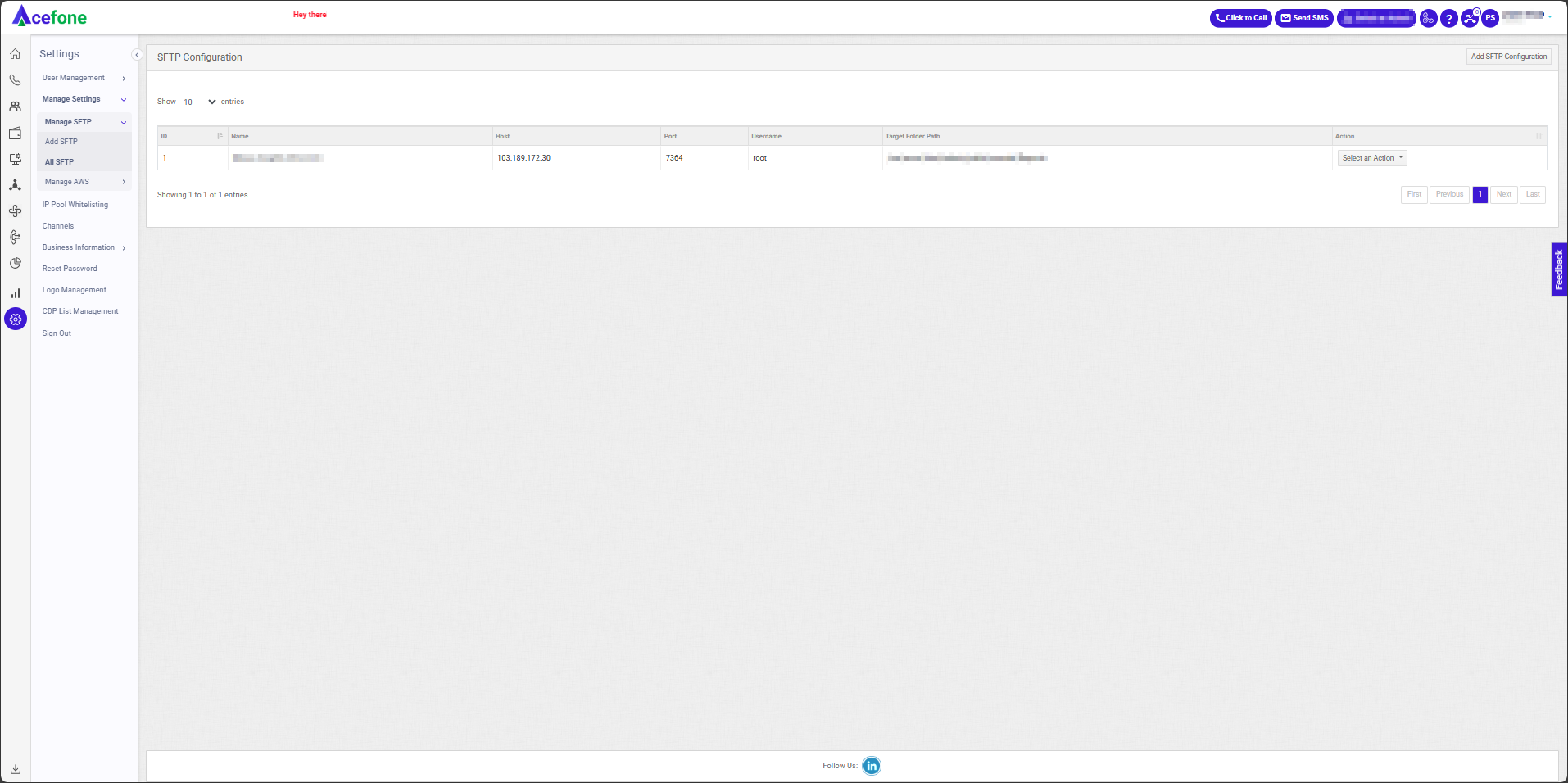
Table Fields and Descriptions
| Field Name | Description |
|---|---|
| ID | Unique identifier for the SFTP configuration. |
| Name | Name assigned to the SFTP configuration. |
| Host | The IP address or hostname of the SFTP server. |
| Port | The port used to connect to the SFTP server (e.g., 22 for standard SFTP). |
| Username | The username used for authentication. |
| Target Folder Path | The directory on the SFTP server where files will be stored. |
| Action | Provides options to manage the SFTP configuration, such as edit, test connection, delete, and setting it as the default for call recordings. |
Updated about 1 year ago