
Add User Role
Steps to Add a User Role
- Click on the Settings tab on the side navigation.
- Click User Management > Manage Roles > Add User Role.
- Enter the Name and Description of the user role.
- Select the Permissions for the user and click Save.
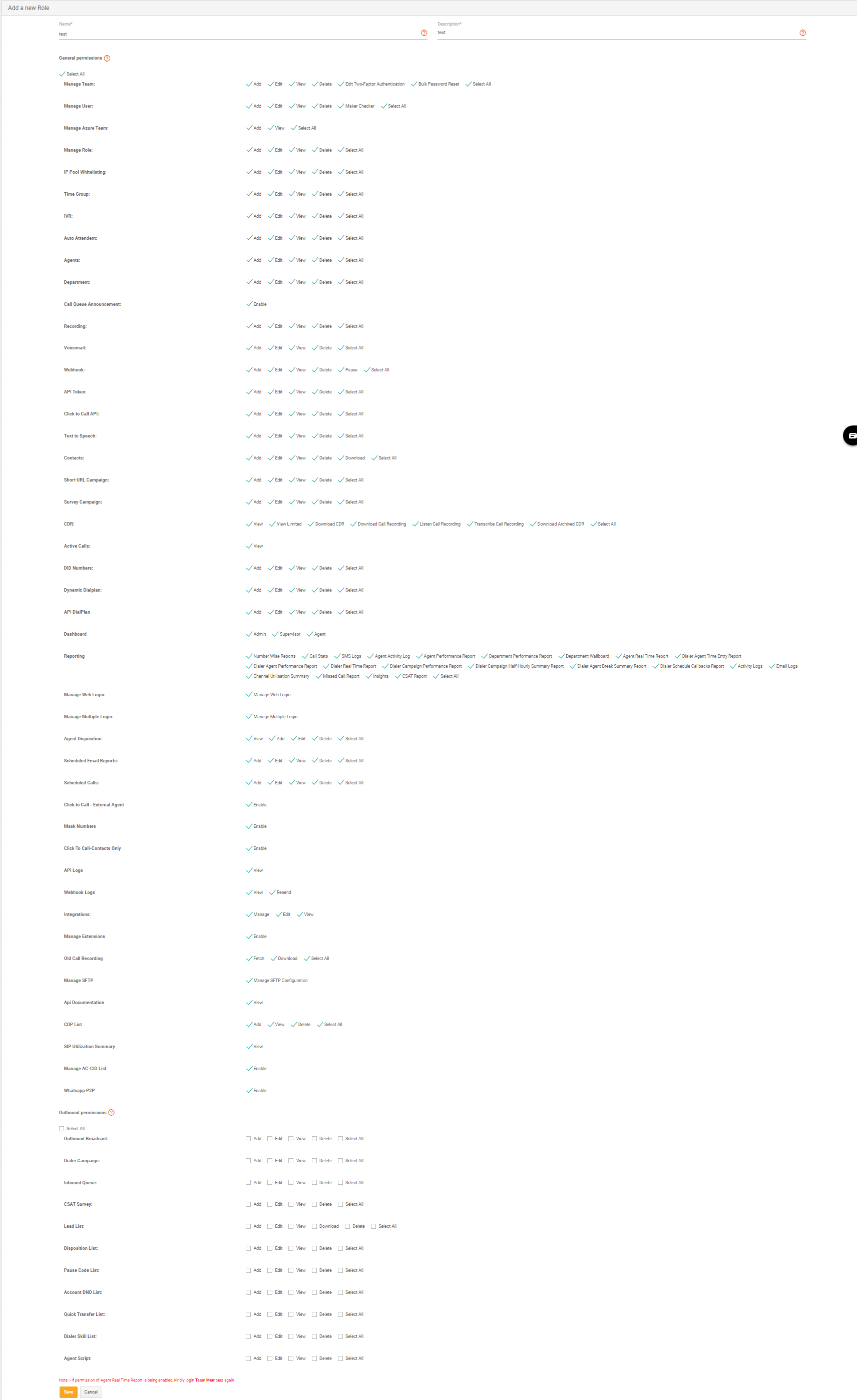
- Dialer reports permissions will be greyed out if the dialer is not enabled for your account.
- "View Limited" permission in CDR will mask the caller/called number in the Call Detail Records.
Updated about 1 year ago